Getting Started
How to run, score, and follow a tournament on BracketBoard.
A mat worker enters scores for one mat. The director invites you, you sign in with the link they email, and you score bouts as they happen.
- 1
Get invited
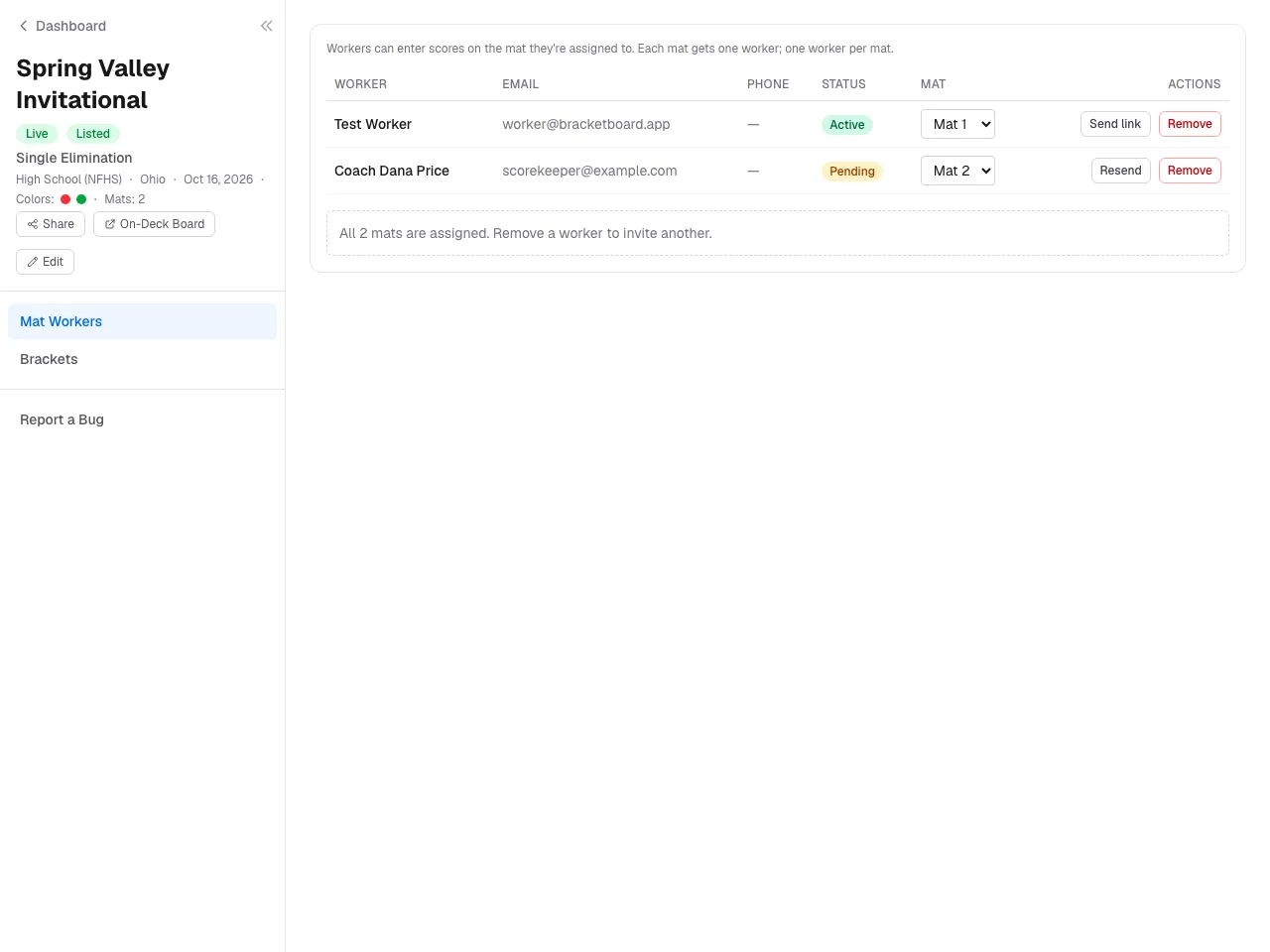
The director adds you under Mat Workers with your name, email, and mat. You get a sign-in email; the link works once and expires in an hour — if it does, ask the director to Resend.
- 2
Sign in
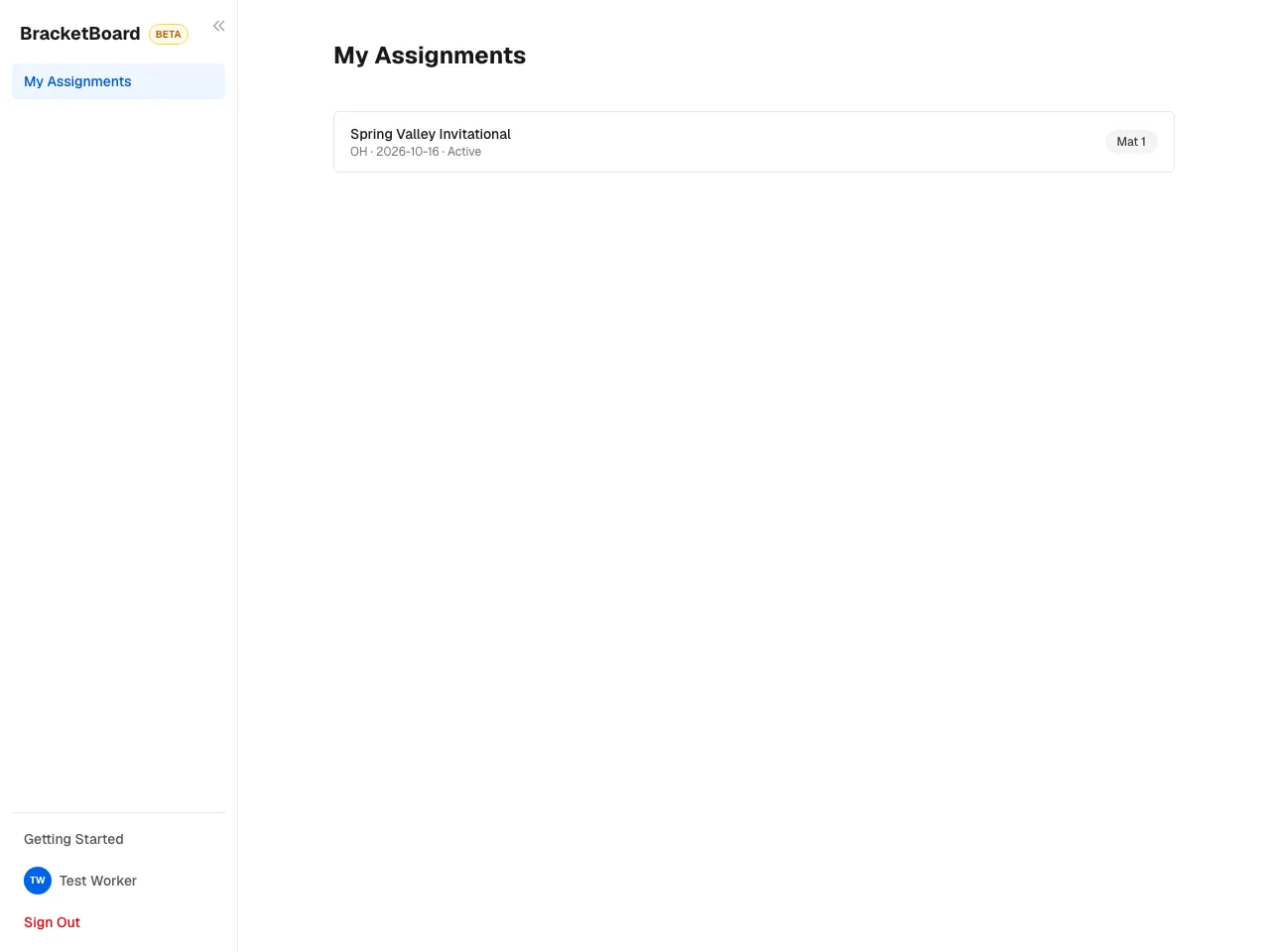
Click the link in the email. Your dashboard lists My Assignments: each tournament and your mat.
- 3
Find your mat
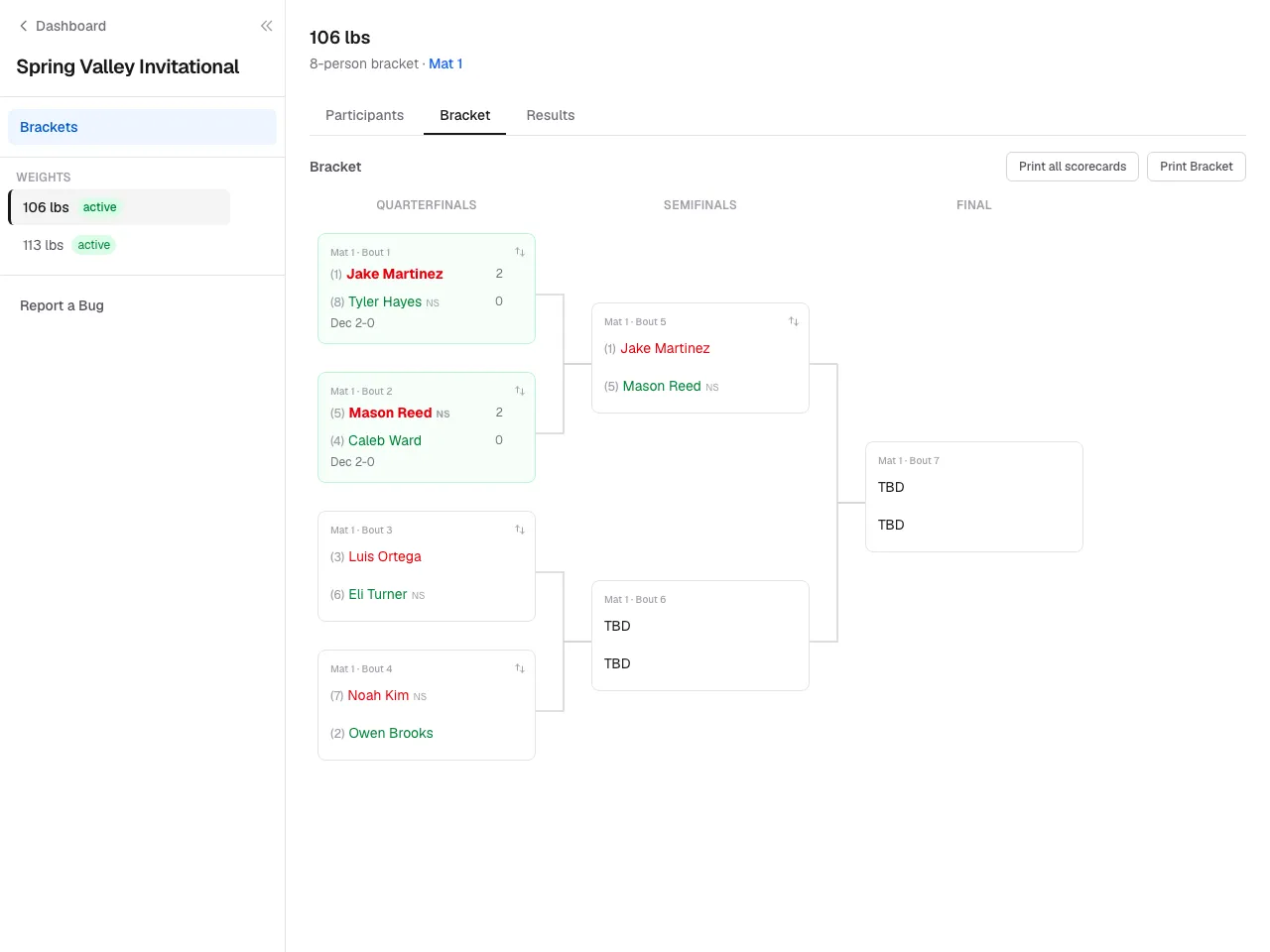
Click the tournament. You land on its bracket; switch weight classes from the list on the left. Bouts on other mats are visible but read-only.
- 4
Enter scores
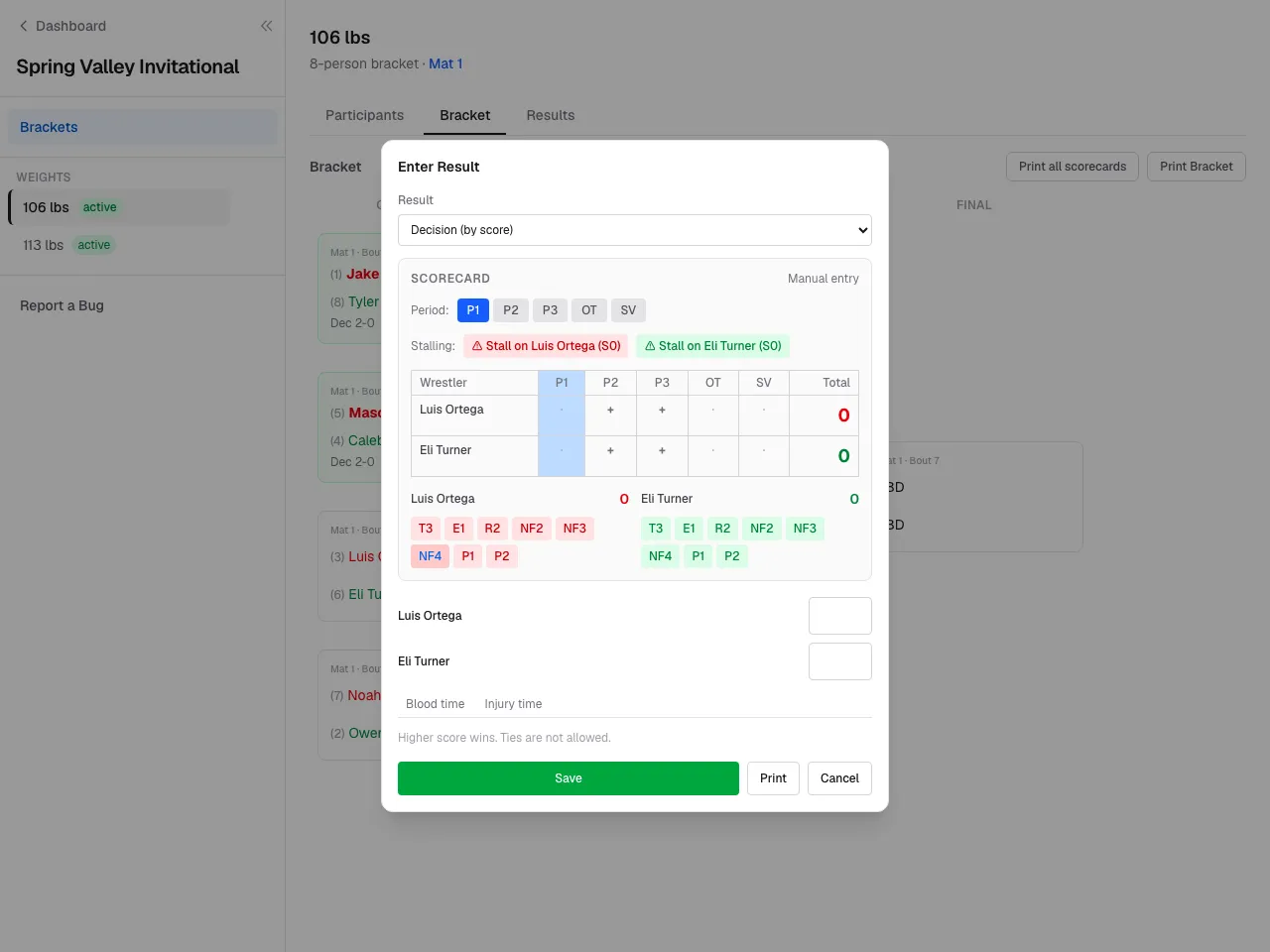
Click a match card, pick the result type, enter the score or the fall time, and save. The winner advances automatically.
- 5
When your mat finishes
Once every match on your mat has a result, your access ends. The director can still correct results.


Still stuck? Contact us.